
It is 7:52 on a Monday. Ninety-one emails are unread and the shift has not started.
Fourteen of those emails are quote requests. Each one needs a lane lookup, a margin check, and a reply before the shipper calls the next broker on their list. Two are carrier bids on Friday's open loads. One is a proof of delivery you needed last week to bill against.
And your sharpest dispatcher is still in the parking lot.
None of this work is hard. That is the problem. It is routine, it is constant, and it eats the first two hours of the day before anyone makes a decision that actually needs a person.
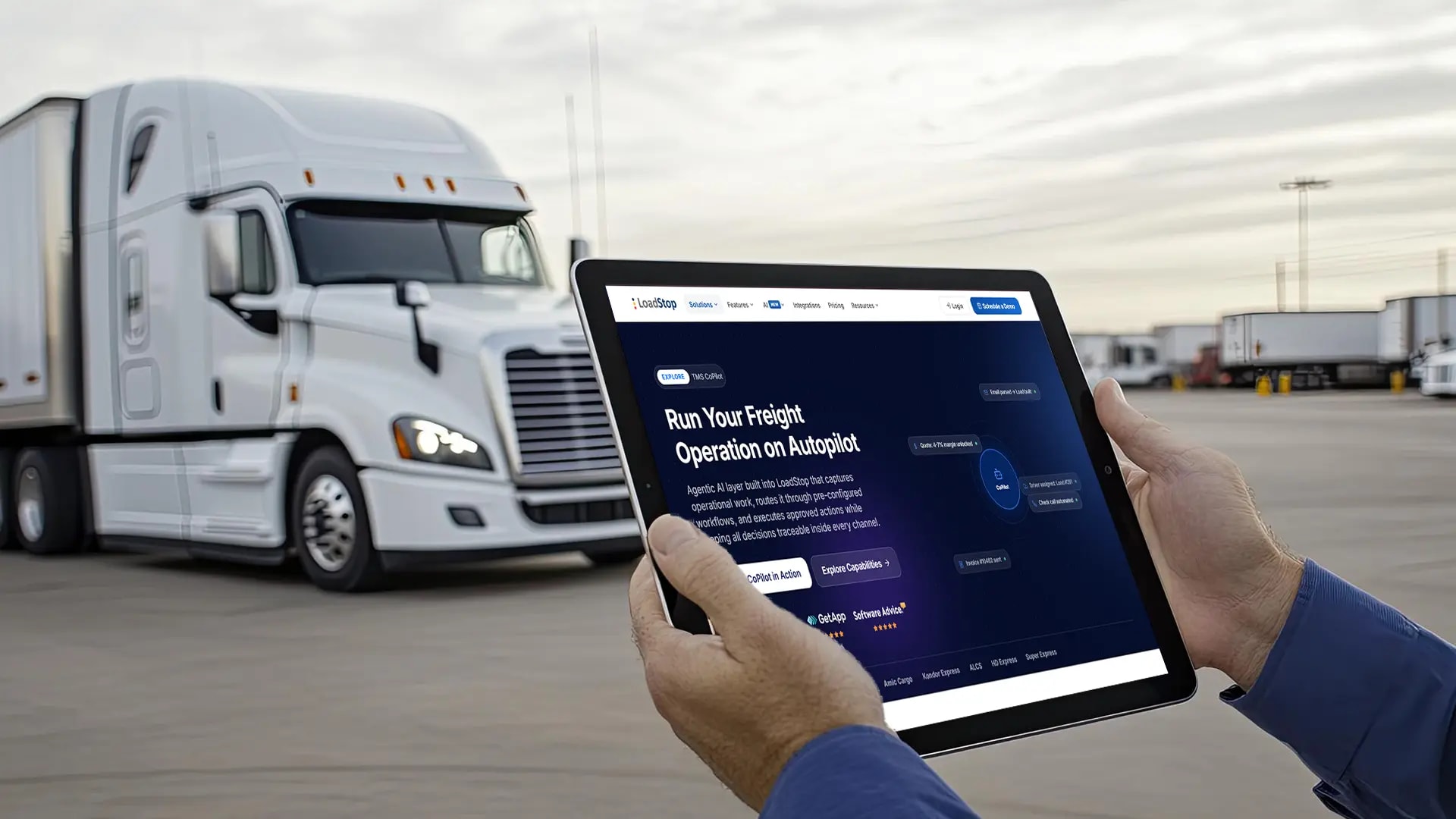
This is the work LoadStop TMS Copilot takes off your desk.
What "Running Freight on Autopilot" Actually Means
Autopilot does not mean an empty cockpit. It means the routine legs fly themselves, so the pilot is sharp for the moments that need judgment. Freight runs the same way.
An AI freight operations assistant is software that lives inside your TMS, reads the freight events hitting your team all day, and handles the routine ones under rules you set. It does not think for you. It clears the desk so you can.
That difference matters. A chatbot answers questions. An AI freight operations assistant does the work. It reads the quote request, pulls the lane history, and drafts the reply. It logs the carrier bid against the right load. It files the POD and lines the load to the invoice. Your team stops typing and starts deciding.
Meet LoadStop TMS Copilot: One AI Layer Across Your Entire Operation
TMS Copilot is not a separate app you open, and it is not a bolt-on you forget to use. It is the AI layer built into LoadStop's AI-First TMS, running underneath the tools your team already touches every day.
That layer spans the whole freight lifecycle: Load building. Quoting. Carrier bidding and cover. Dispatch. Tracking. Documents and billing. Performance.
And instead of stitching five-point tools together and copying data between them, you run one operation where the quote becomes a load, the load gets covered, the truck gets tracked, and the invoice goes out, with the same AI carrying context the entire way.
TMS Copilot sits across your operation as one layer, not beside it as one more tool.
Platform Architecture
Where LoadStop TMS Copilot connects
One AI layer across your whole operation, not a bolt-on tool
Channels
Modules
Because it is a layer and not a standalone product, there is nothing to rip out and nothing to replace. TMS Copilot works with your email, your rate data, your accounting, and your ELDs. It makes the operation you already run move faster, and it comes as part of your LoadStop AI package rather than a separate purchase.
Signal In, Workflow Routed, Action Out
Here is how the layer works in practice. Every freight event enters TMS Copilot as a trackable signal. A quote request lands in the inbox. A driver calls in loaded. An EDI tender arrives. A POD hits your document inbox. Each one becomes a signal that TMS Copilot can read.
TMS Copilot checks that signal against your rules. It extracts the details, verifies what needs verifying, a carrier's standing, or a margin threshold, and matches the signal to the right workflow.
Then it acts. It drafts the quote, logs the bid, updates the tracking, or files the document. When something is off, it stops and routes the exception to the right person with the full context attached.
The same operating model runs under every workflow.
How It Works
Signal in. Workflow routed. Action out.
Every freight event becomes a trackable signal TMS Copilot can act on
Email is where most of this starts. TMS Copilot connects to Gmail or Outlook, reads inbound freight email, and sorts every message into one of eight intents. Each intent has its own action.
| What lands in the inbox | What TMS Copilot does | Where it goes |
|---|---|---|
| Quote request | Creates a quote with the extracted lane, equipment, and dates | Quote |
| Carrier bid | Logs the bid against the matching load | Cover |
| Tracking update request | Replies with live ETA, location, and driver | Track |
| Document (BOL, POD, rate con) | Files it and triggers validation | Document Audit |
| Check call | Logs the status with time and location | Track |
| Load confirmation | Matches the load and updates its status | Dispatch |
| Unclear intent | Flags it for a person to decide | Needs Review |
| Spam or unknown sender | Blocks it and keeps it for audit | Blocked |
Your email content is read to pull the freight details, and it is not stored. Only the structured data, the lane, the rate, and the dates land in your TMS.
What TMS Copilot Automates Across Your Day
Walk the day by the person living it.
Here is the same work, two ways.
| Task | By hand | With TMS Copilot |
|---|---|---|
| Price an inbound quote | Look up the lane, calculate the margin, type the reply | Drafted from your 90-day lane history, ready to review |
| Build a load from an emailed tender | Copy each field from the email into the TMS | Details extracted and the load pre-built for confirmation |
| Handle a carrier check call | Answer, note the status, update the load | Captured and logged to the load automatically |
| Assign a driver to an open load | Cross-check hours, location, and home time | Ranked matches surfaced for a fast assignment |
| Send an invoice | Chase the POD, verify the rate, send | Validated against the rate and queued once the POD lands |
| Process a carrier bid | Read the email, find the load, log the number | Logged against the matching load on arrival |
And here is what sits under the layer.
| Module | What it does |
|---|---|
| AI Inbox | Connects your inbox to the TMS and turns freight email into structured actions |
| AI Quoting | Quotes from your 90-day lane history and tracks win and loss |
| AI Cover / Bidding | Automates carrier bidding and tendering, configurable by lane and mode |
| AI Tracking | Tracks loads and executes milestones before they slip |
| AI Doc Validation | Validates freight documents on arrival |
| FleetOps | Plans the fleet with load matching, balancing, and trip planning for asset carriers |
| Analyze | Turns activity into revenue, lane, and profit analysis |
AI That Knows When to Ask Questions
Autopilot without a human in the loop is how you lose a customer. TMS Copilot is built the other way.
You set the rules. Approval thresholds by dollar amount, by lane, by customer, by action type. Anything inside those rules and above the confidence bar runs on its own and gets logged. Anything below the bar, missing data, or outside your rules stops. TMS Copilot pauses, routes the task to the right person, and hands them the full context plus a recommended next step.
A quote that comes back under your margin floor does not go out on its own. A load tender missing a confirmed pickup address does not get built on a guess. Those go to a human, with everything needed to decide in one place.
High-confidence, in-policy work runs. Everything else routes to a person.
When TMS Copilot acts, and when it asks
You set the rules. Nothing happens in the dark.
YES ↓
Nothing happens in the dark. Every action TMS Copilot takes is written to an audit trail with a timestamp, the input, the output, and a confidence score you can see. When you want to know exactly what the AI did and why, it is on the record.
Works With the Tools You Already Run
TMS Copilot rides on your existing stack. Email through Gmail and Outlook. Rate data from DAT and Truckstop. Accounting through QuickBooks, NetSuite, and Microsoft Dynamics. Routing and mileage from PC*Miler. ELD and telematics from Motive, Samsara, Geotab, and more, across a large integration library.
There is no rip-and-replace and no six-month cutover. TMS Copilot connects to what you have and starts working inside the operation you already run.
Connects to your existing stack
Rate Data
Accounting
Routing
ELD & Telematics
There is no rip-and-replace and no six-month cutover. TMS Copilot connects to what you have and starts working inside the operation you already run.
What Changes for Each Role
| Role | What TMS Copilot takes off their plate | What they get back |
|---|---|---|
| Dispatch | Routine check calls and five morning searches | Time for the loads that need a decision |
| Billing and accounting | Document chasing and manual invoice checks | A faster, cleaner month-end close |
| Operations leadership | Inconsistent pricing and operational blind spots | Consistent execution and a full audit trail |
For dispatch, the phone stops running for the day and the board surfaces the calls worth making.
For billing, documents arrive filed and invoices arrive validated, so the close does not stall.
For leadership, the routine runs consistently and every action is logged, so you can add loads without adding headcount.
Put Your Freight Operation on AI Autopilot
See how LoadStop TMS Copilot simplifies your day and gets the best outcomes from your loads, your rules, and your tech stack.
Schedule a Demo